Notion Meeting Notes Integration Guide
Step-by-step guide to integrate AI meeting notes with Notion. Automate your workflow, sync action items, and build a searchable knowledge base.
Introduction
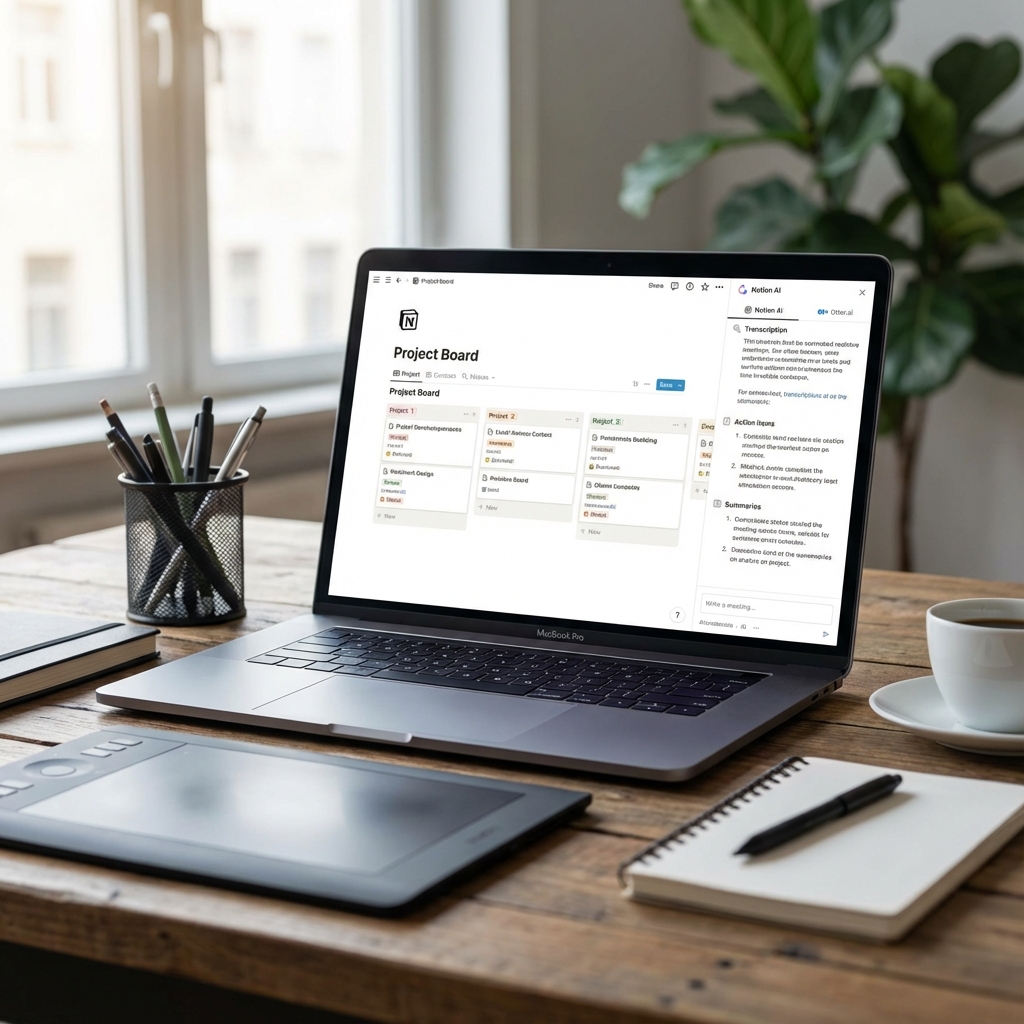
Notion has become the workspace of choice for modern teams. Integrating AI meeting notes with Notion creates a powerful, searchable knowledge base.
Why Integrate Meeting Notes with Notion?
Step-by-Step Integration Guide
Step 1: Connect Your Accounts
Link your AI meeting tool (like Notah) to your Notion workspace using OAuth authentication.
Step 2: Configure Auto-Sync
Set up automatic syncing so every meeting is saved to Notion without manual work.
Step 3: Template Your Meeting Pages
Create Notion templates for consistent meeting documentation.
Advanced Workflows
Conclusion
Integrating AI meeting notes with Notion transforms scattered information into an organized knowledge base.
Start today: Connect Notah to Notion in under 5 minutes and never manually copy meeting notes again.
Ready to transform your meetings?
Try Notah free and experience AI meeting notes built for bilingual, MENA-focused teams.
Try Notah Free →Related Articles
Best AI Meeting Notes Tools 2025
Compare the top 10 AI meeting transcription and note-taking tools. Detailed features, pricing, pros & cons to help you choose the right solution for your team in 2025.
Arabic Transcription: AI Dialect Recognition
Explore the unique challenges of Arabic speech-to-text, from MSA to regional dialects (Saudi, Gulf, Levantine), and how modern AI overcomes them.